The app
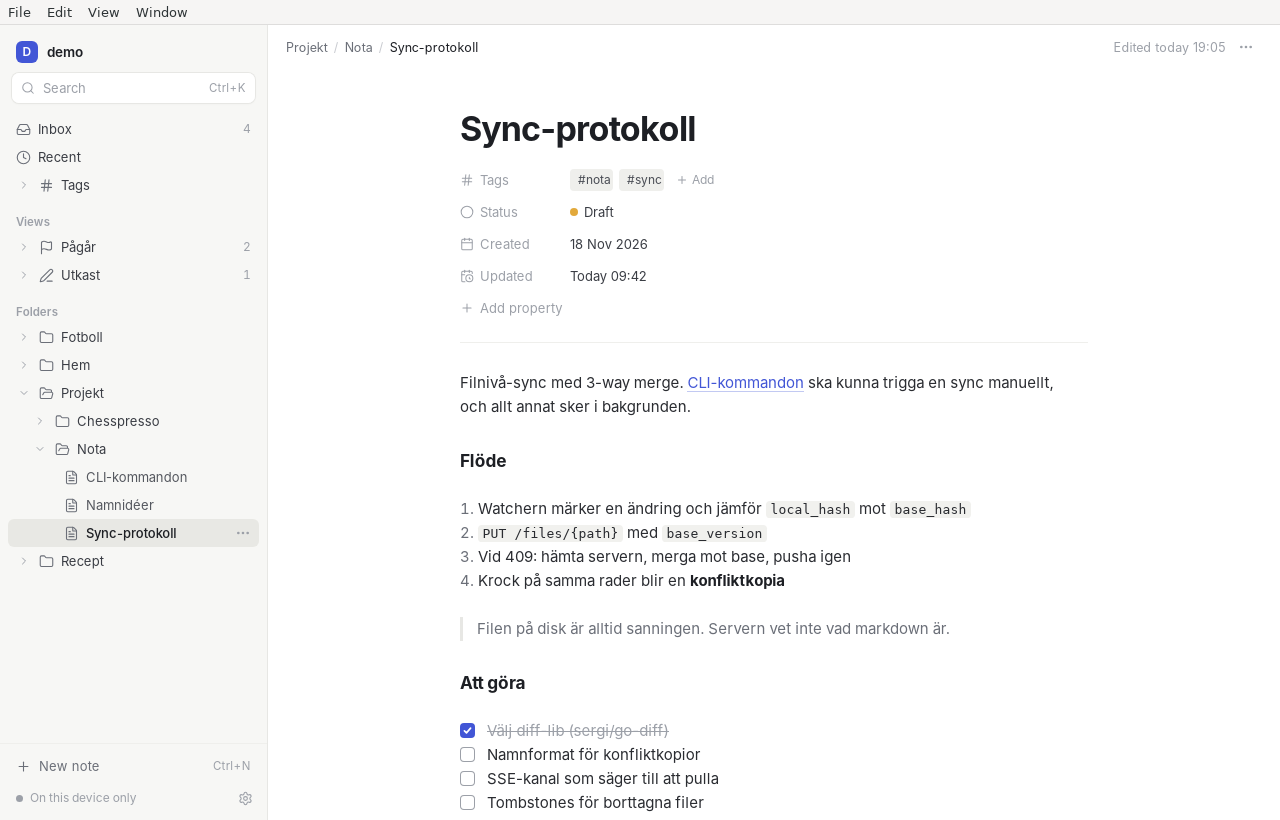
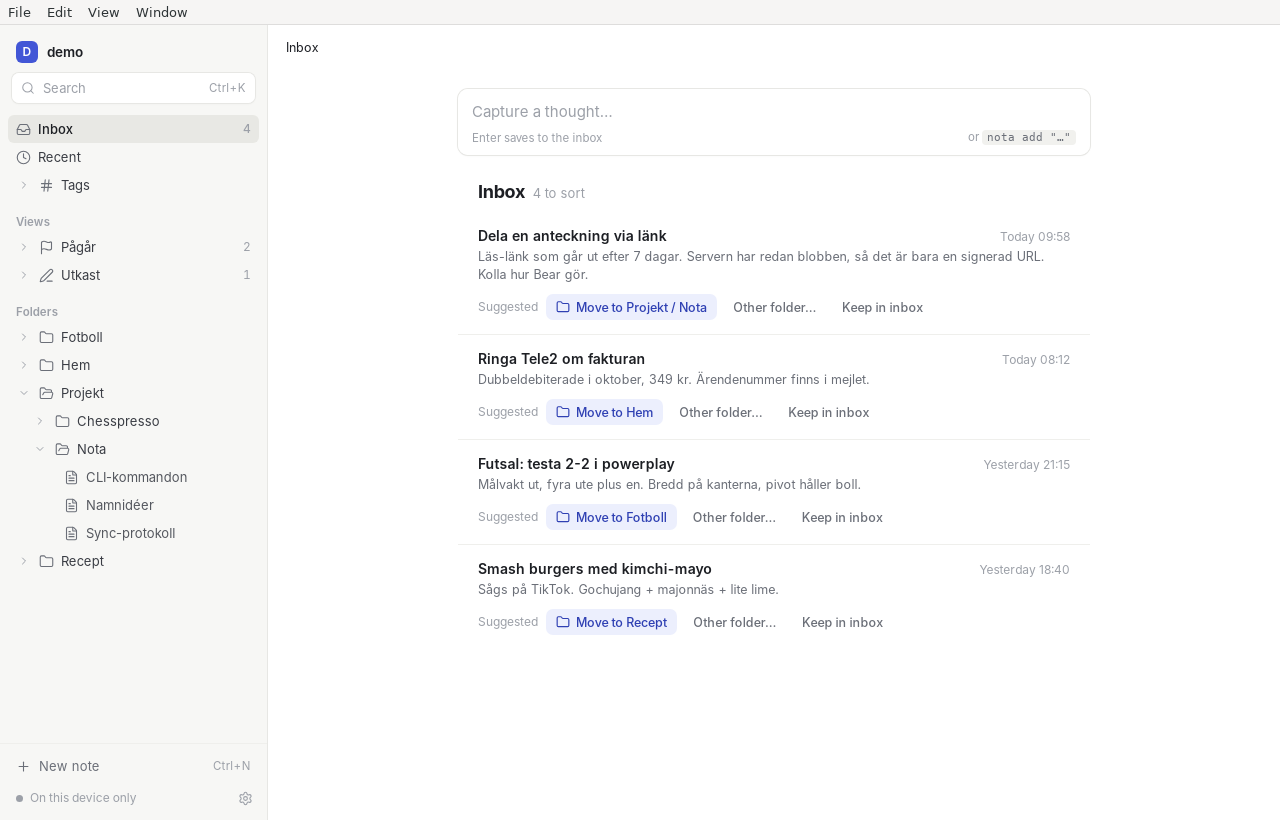
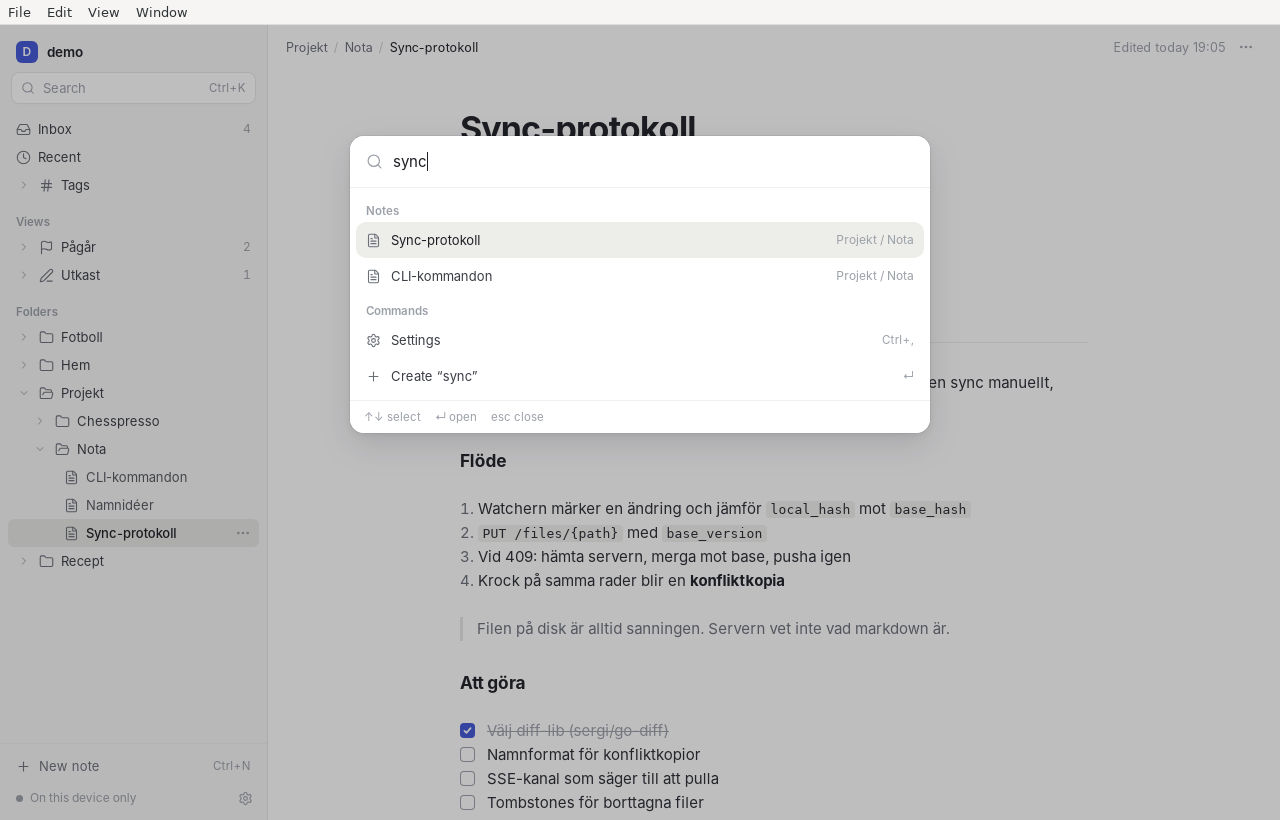
A macOS and Linux app on the system webview: a few megabytes, no bundled browser, nothing running when you are not looking. The folder tree, the live-preview editor, the ⌘K palette and inbox triage are part of v1.
Local-first notes · CLI · MCP · sync
Nota is a fast Markdown notes app that leaves every note as a plain file in a folder you choose. Search, links and properties are an index you can delete and rebuild. Sync only when you want it, to a server you run.
Three ways in
A macOS and Linux app on the system webview: a few megabytes, no bundled browser, nothing running when you are not looking. The folder tree, the live-preview editor, the ⌘K palette and inbox triage are part of v1.
Every feature exists as a command before it exists as a button, and every command
takes --json.
nota add "Ringa Tele2" --tag hem
nota search "möte anna"
nota ls --where status=draft
nota sync --status
nota mcp speaks Model Context Protocol over stdio;
nota serve
answers the same tools over HTTP. Claude Code, Hermes or a script get search, read,
append and frontmatter edits against the same files you edit by hand.
What that buys you
Edit a note in vim, Obsidian, git or a hook. Nota notices, re-indexes it, and the app shows the change. Delete the index whenever you like.
Tags, status and your own fields live in YAML at the top of the file, Obsidian compatible. Unknown keys survive every edit, byte for byte.
---
tags: [nota, sync]
status: draft
created: 2026-11-18T10:12:00+01:00
---SQLite with FTS5 gives full-text search, tag filters, property queries and backlinks. Ten thousand notes re-index in about a second; a search answers in under 20 ms.
File-level sync with a three-way merge. A pull by cursor, an SSE nudge, tombstones for deletes, and a conflict copy when both sides changed the same lines — never a silent loss.
One Go binary, one SQLite database, content-addressed blobs in one directory. Health checks, predictable memory, no cgo.
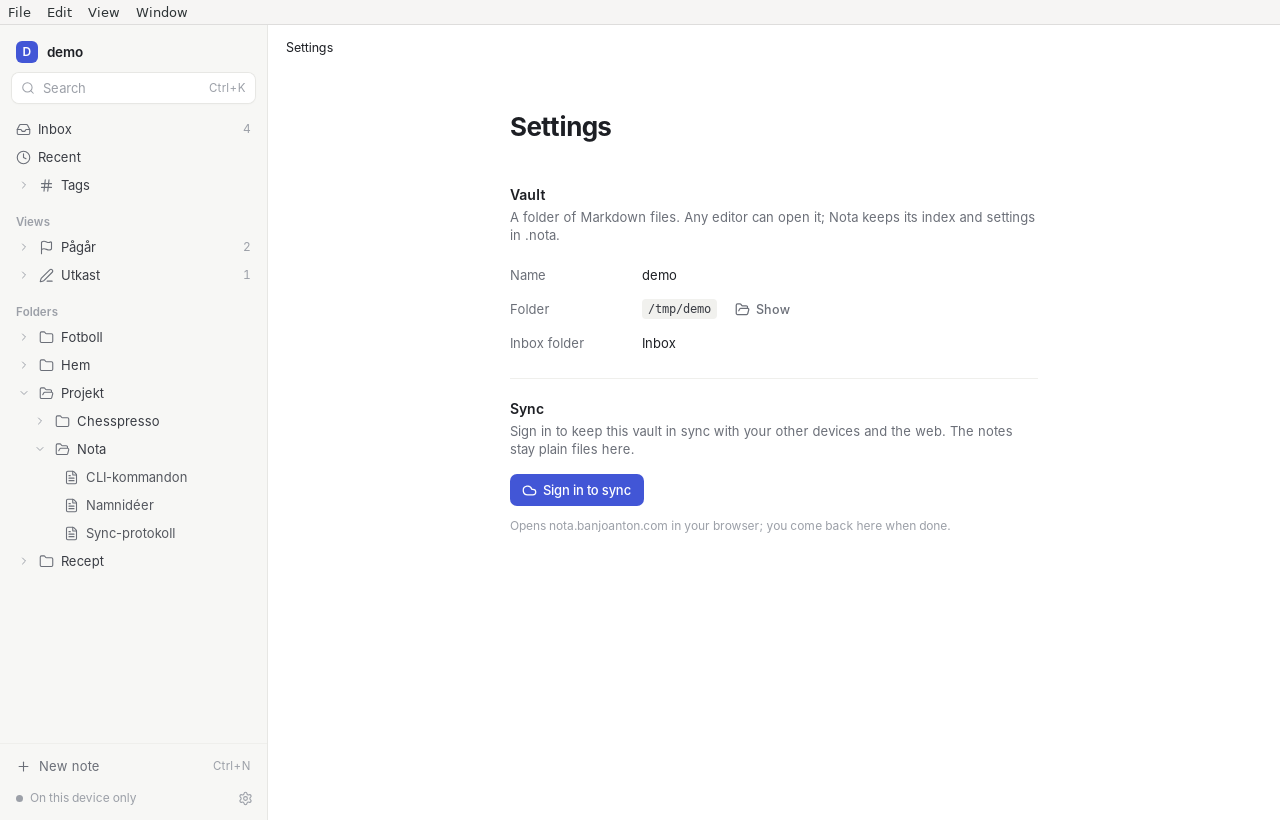
The app and the CLI work offline forever with no login. Sign in only to sync — with a passkey, never a password — and revoke any device from the list.
The interface
Install
A signed DMG for Apple silicon and Intel, opening on an empty note with no setup.
AppImage and .deb, on WebKitGTK. Same Go core, same vault format.
Build both from the source you have. The CLI is one command:
go build ./cmd/nota
cd apps/desktop && bunx mygo buildThe tap ships with v1. The formula installs the CLI and the app together.
brew install banjo/tap/notaDownloads appear here when v1 is tagged. Until then the web app and the source tree are the way in.
Sync
nota serve is a single Go binary with all its state in one directory: the
SQLite database, the blobs, and a working copy of each vault that the web app reads.
Put it behind any TLS proxy, point the apps at it, and sync.
/mcp so agents can work on a synced vaultdocker build -t nota .
docker run -d --name nota \
-p 8080:8080 \
-v nota-data:/data \
-e NOTA_SERVER_PUBLIC_URL=https://nota.example.com \
-e NOTA_SERVER_WEB_ORIGIN=https://nota.example.com \
-e NOTA_SERVER_RP_ID=nota.example.com \
-e NOTA_SERVER_COOKIE_DOMAIN=example.com \
nota
docker exec nota nota serve invite createThe invite prints a sign-up link for the web app; follow it to register a passkey.
The web app runs on the same vault your desktop app syncs. Sign up with a passkey, or ask for an invite.