Your notes are files.
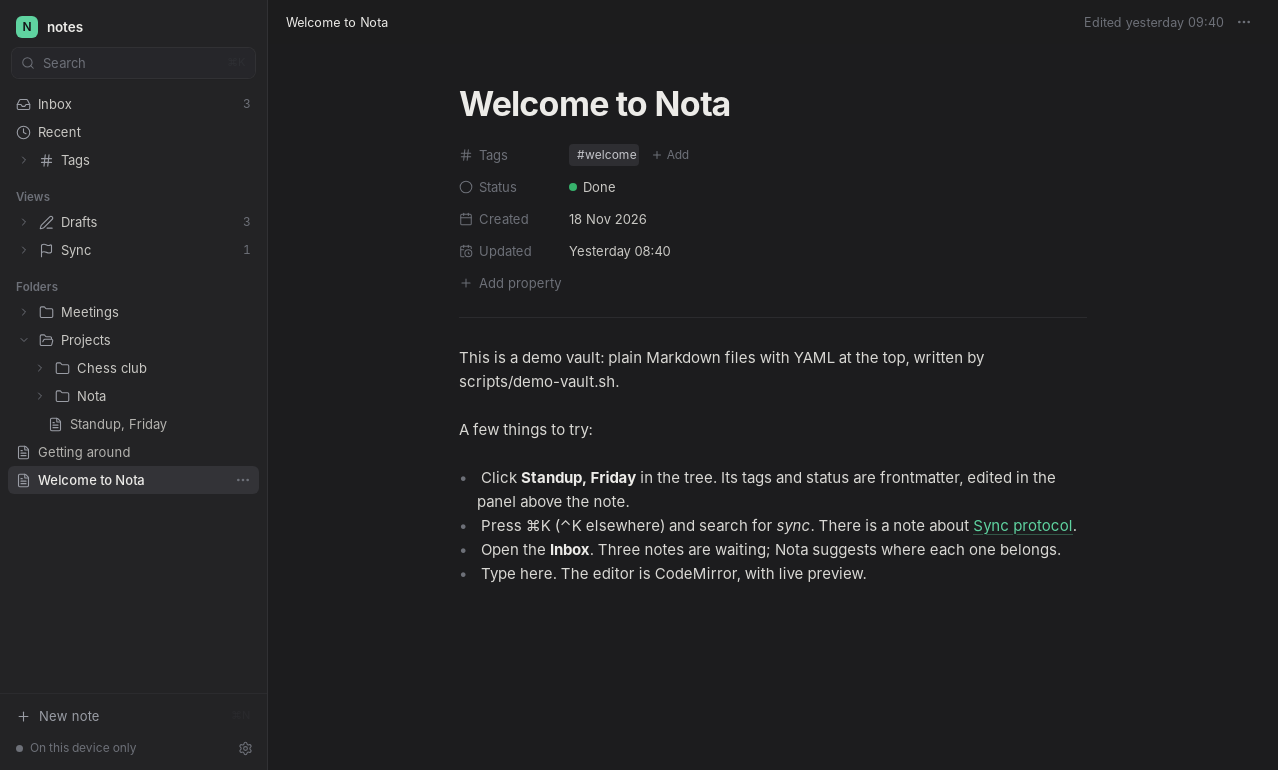
A small Mac app for Markdown notes that stay plain files. Also in your terminal, on the web, and for your agents.
brew install --cask banjo/tap/nota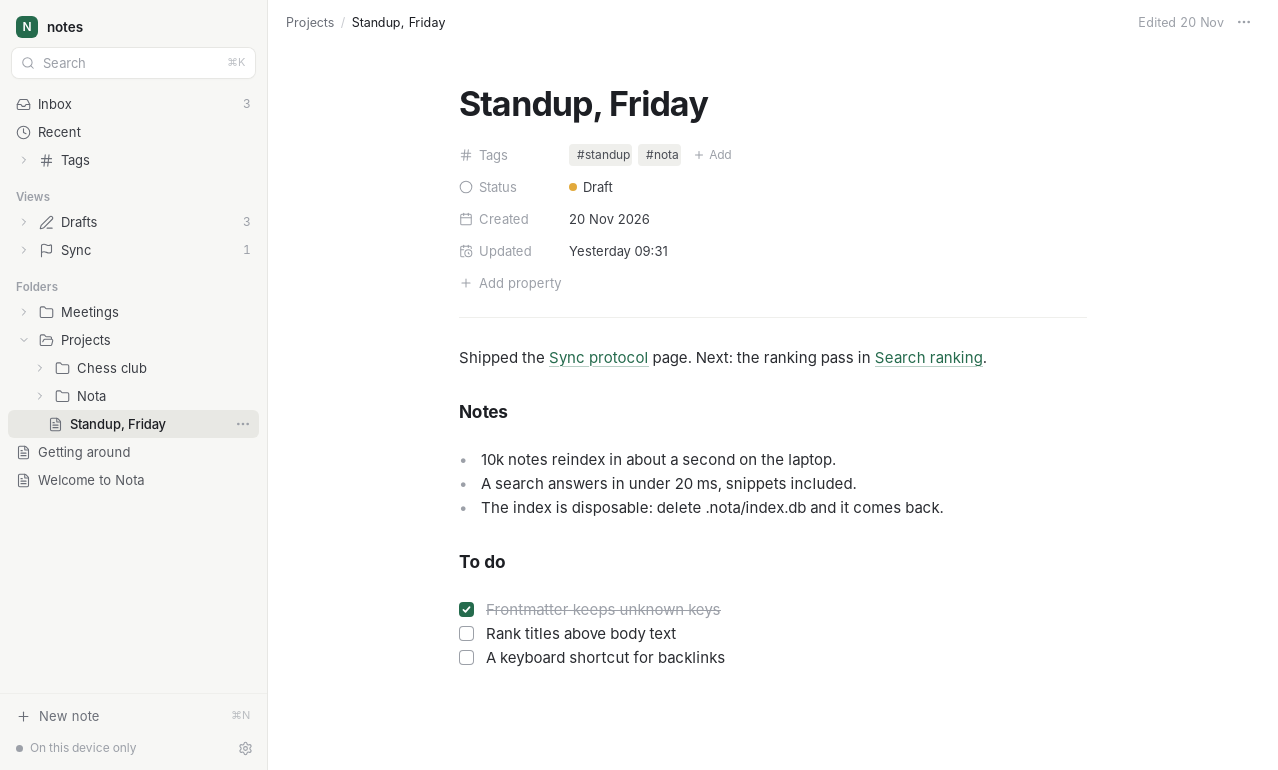
Light on purpose.
- CLI, MCP and server, one binary
- 20MB
- Desktop app, no bundled browser
- 21MB
- Idle server memory
- 20MB
- Search, 10,000 notes
- 18ms
Measured on Linux.
Plugins live in your vault, and sync with it.
- Views
- Saved searches as folders.
- Hooks
- Scripts on note events, also on your server.
- UI pluginsSoon
- Commands, panels and editor widgets.
.nota/hooks.toml# Inbox notes tagged #recipe go to Recipes/ [[hook]] event = "inbox.added" mode = "transform" match = { tag = "recipe" } run = "echo '{\"folder\": \"Recipes\"}'"
One vault, four ways in.
- DesktopMac app, Linux
- WebAny browser
- CLI
nota ls --json - Agents11 MCP tools
Hand this to your agent.
Install Nota, a Markdown notes app that keeps notes as .md files in a folder, and connect it to yourself:

1. Run `brew install --cask banjo/tap/nota` (Apple silicon Mac; it installs the app and the `nota` CLI) and check that `nota` is on my PATH.
2. Use ~/Notes as the vault, or ask me which folder I keep notes in. Run `nota ls` to check it.
3. Add the MCP server: `claude mcp add nota -- nota mcp`.
4. Read https://nota.banjoanton.com/llms.txt for the commands and tools.
brew install --cask banjo/tap/nota
claude mcp add nota -- nota mcp
Sync through your own server.
A Go binary and SQLite. Passkeys, not passwords. Nota works offline forever without it.
$ docker build -t nota https://github.com/banjo/nota.git
$ docker run -d --name nota -p 8080:8080 -v nota-data:/data \
    -e NOTA_SERVER_PUBLIC_URL=https://api.example.com \
    -e NOTA_SERVER_WEB_ORIGIN=https://notes.example.com \
    -e NOTA_SERVER_RP_ID=notes.example.com \
    -e NOTA_SERVER_COOKIE_DOMAIN=example.com \
    nota
$ docker exec nota nota serve user add you@example.com